Interrupting a Flow from the Contact View
After starting a flow with a group of contacts, you may want to take one contact out of the flow without affecting the others. You can do this from that contact's page.
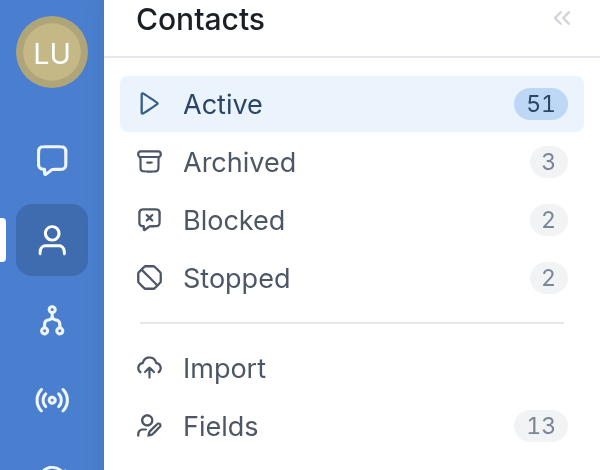
First, go to Contacts on the left-hand side of your workspace:
Select the contact you want to interrupt. If the contact is in a flow, the area above the message box is green and shows the name of the flow they're in. Click Interrupt to remove the contact from the flow.
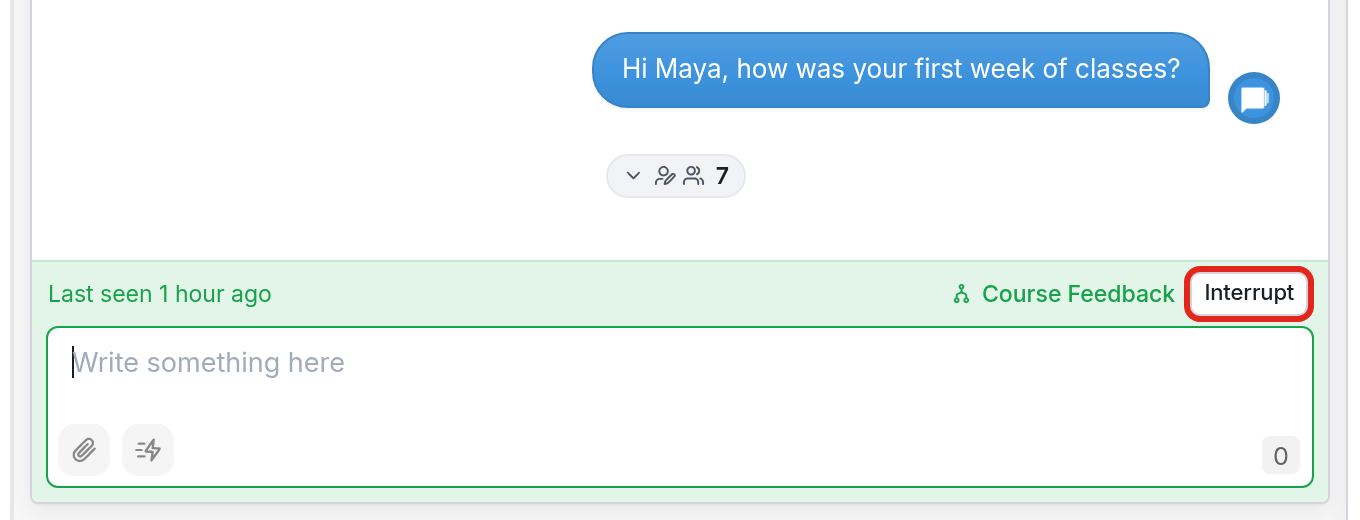
If you don't see the Interrupt button, the contact isn't currently active in any flow.
Once the contact is interrupted, this appears in their chat history:
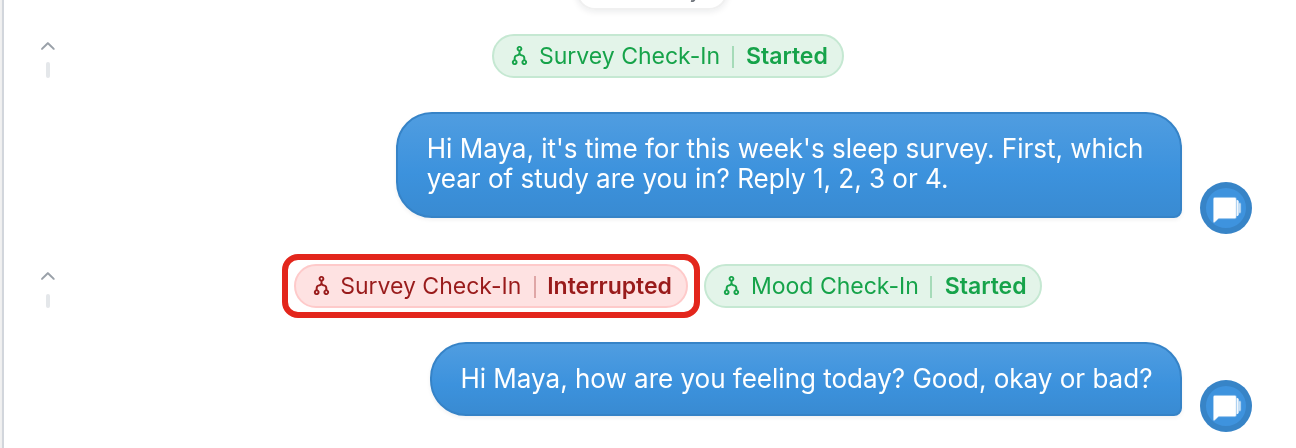
The contact will no longer receive messages from the flow.
Questions? Send us a message using the support widget in the bottom right-hand corner, or email us at support@textit.com.