Creating a Flow
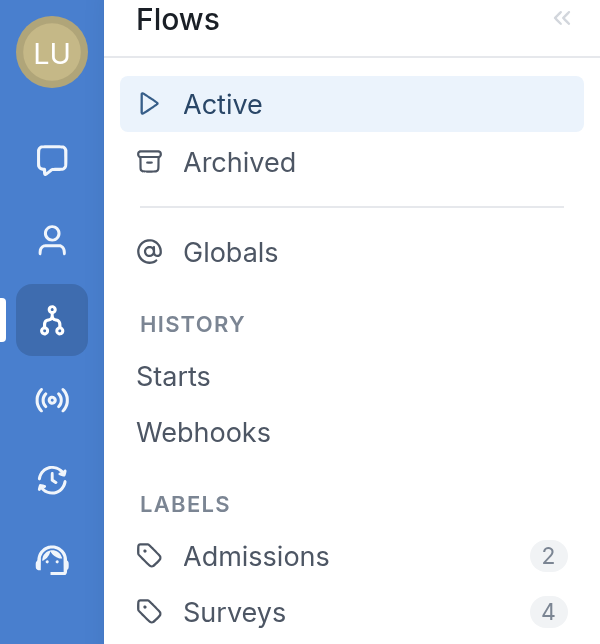
To create a flow, go to the Flows tab.
Click New flow at the top right of the screen. The New Flow dialog will appear, where you can:
-
Give the flow a name
-
Select the type of flow you'd like to create
-
Set the language in which you'll edit it
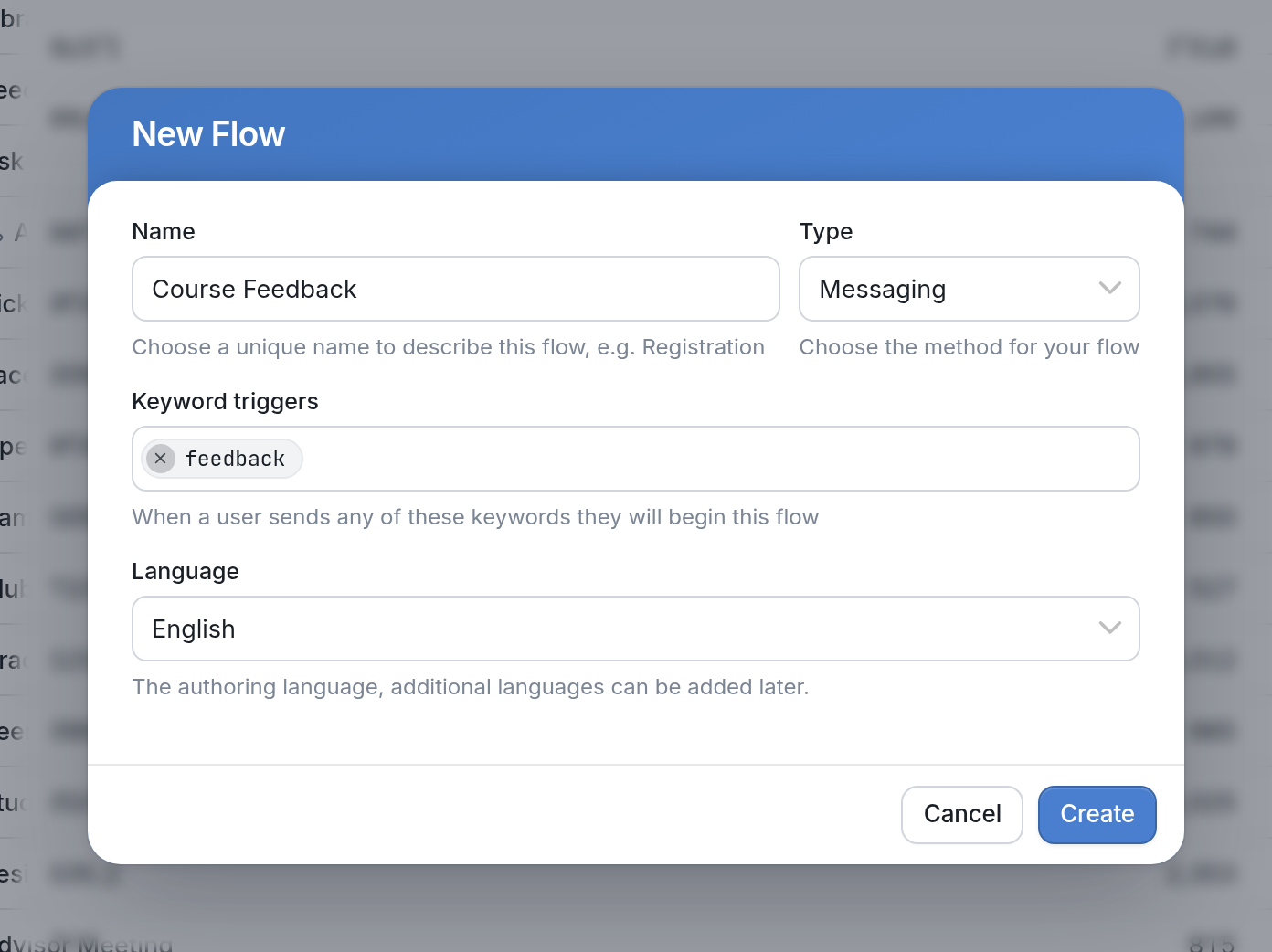
Once you've filled in these fields, click Create to open the flow editor.
| Note: When building a flow, we recommend prioritizing vertical movement over horizontal movement. The flow editor supports horizontal movement up to a point, but supports vertical movement indefinitely. |