Starting a Contact in a Flow from the Contact's Information Page
You can start a contact in a flow directly from their contact page.
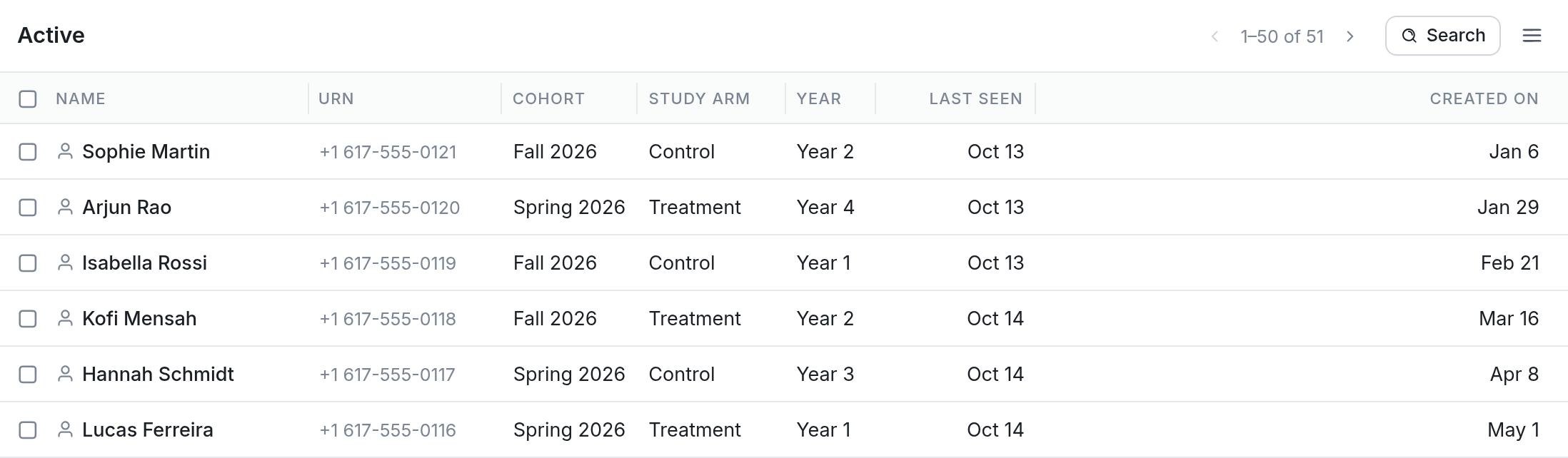
Go to Contacts and click the contact you'd like to start from your list:
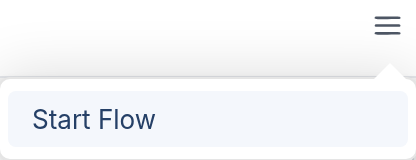
On the contact's page, which shows their details and message history, click the menu button (☰) at the top right and choose Start Flow:
Finally, select the flow you'd like to start the contact in:
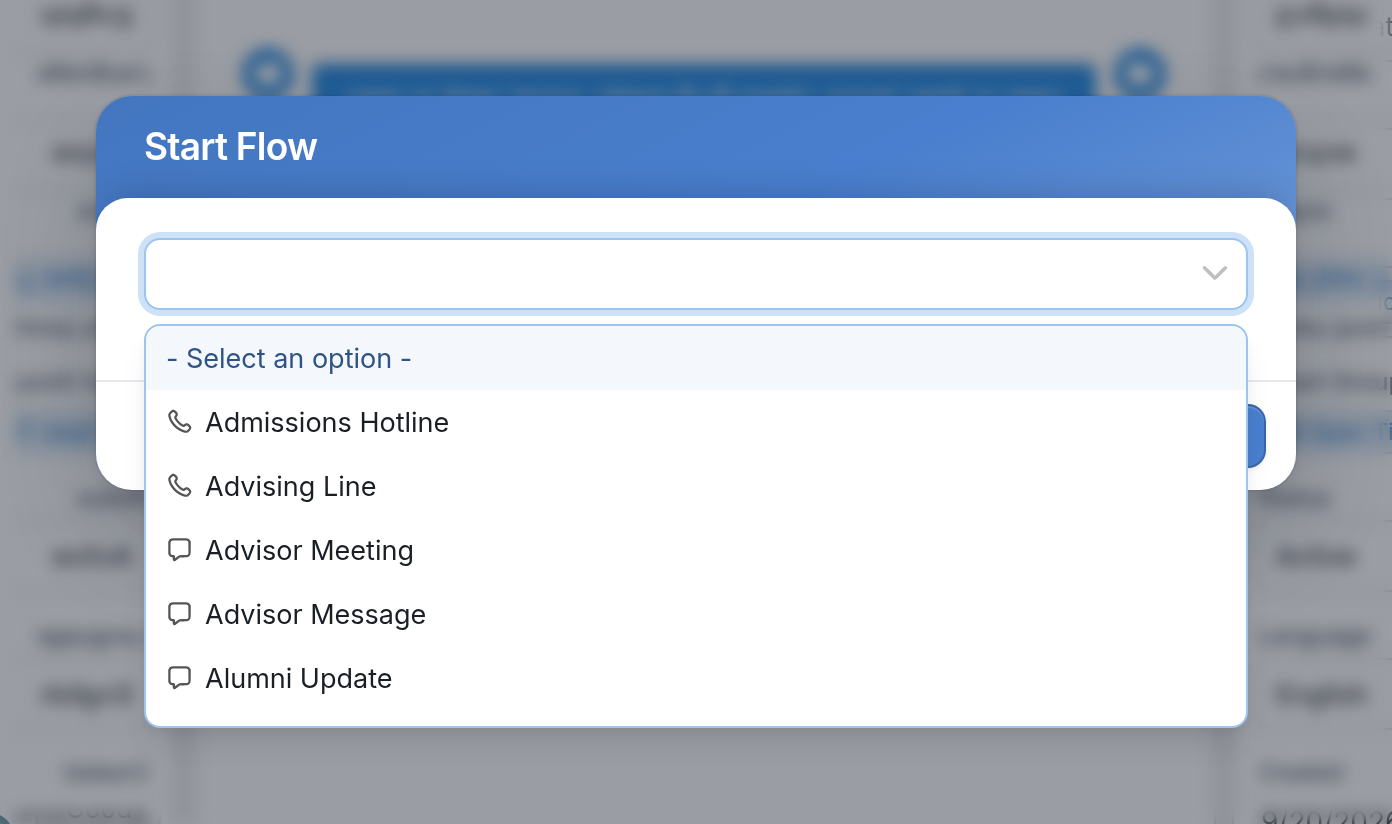
The contact is started in the chosen flow right away.
Questions? Send us a message via the support widget in the bottom right corner of your browser.