Creating a Multi-Language Flow
Once you've set your workspace's primary and secondary languages, you can translate your flows so that contacts receive messages in their preferred language. You can translate a flow manually or have a Large Language Model (LLM), such as ChatGPT, translate it automatically. To create a multi-language flow:
-
Navigate to the Flows tab and create a flow.
-
Select the flow's primary language. This is the language you'll see while designing the flow, and the language used whenever a translation is missing.
-
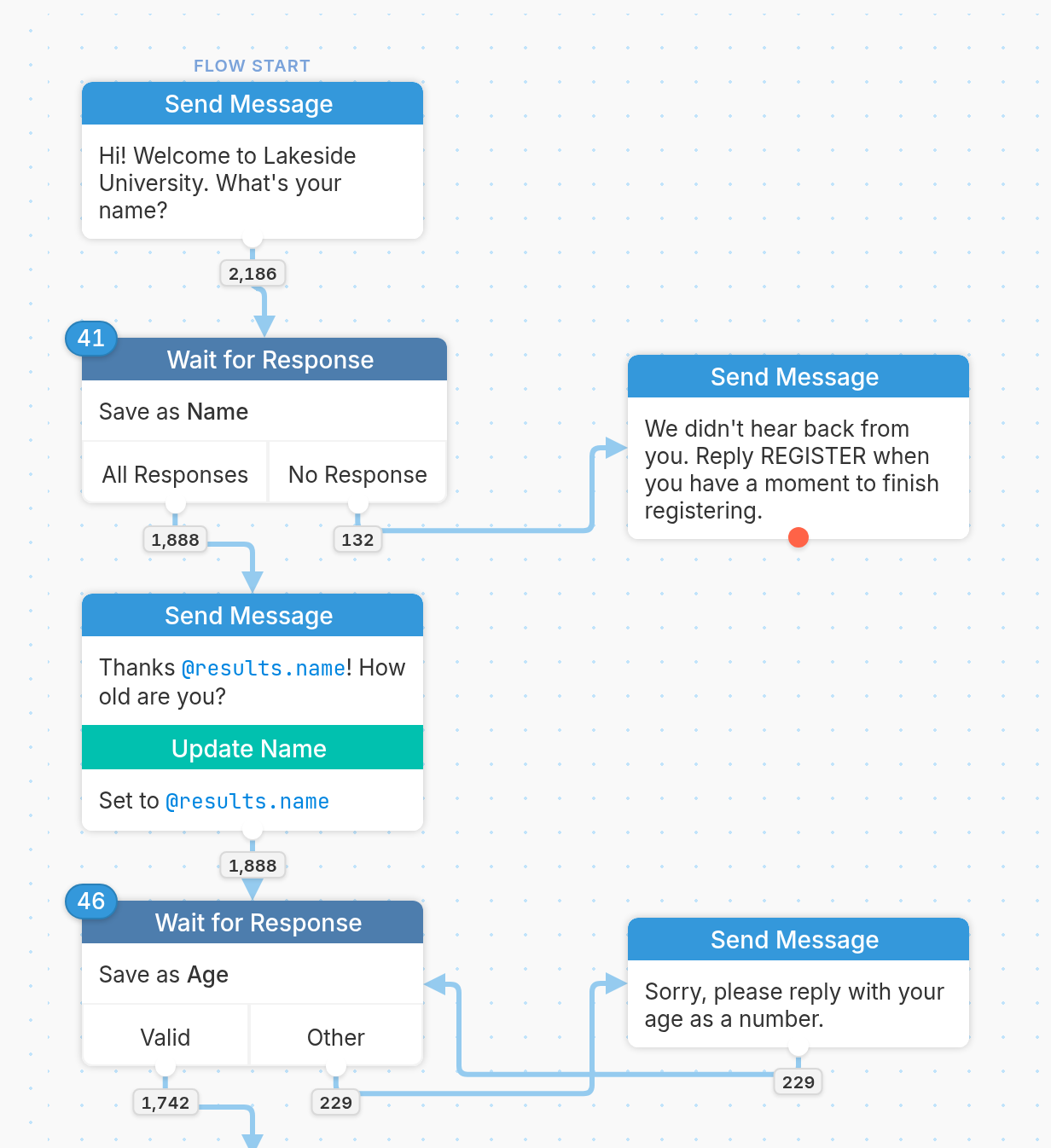
Build the flow as you normally would.
| 4. Once you've finished designing your flow, click the language menu at the top left of the editor toolbar and select the language you want to translate into. The menu also shows what percentage of the flow has been translated into each language. | 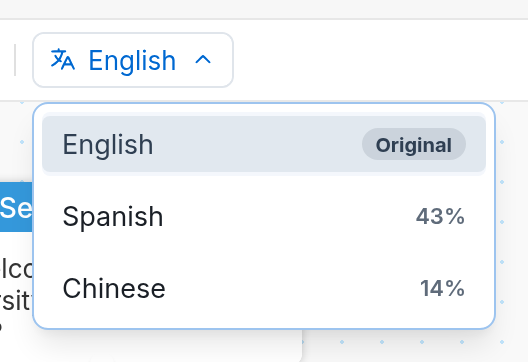 |
- Any Send Message action that hasn't been translated turns yellow.
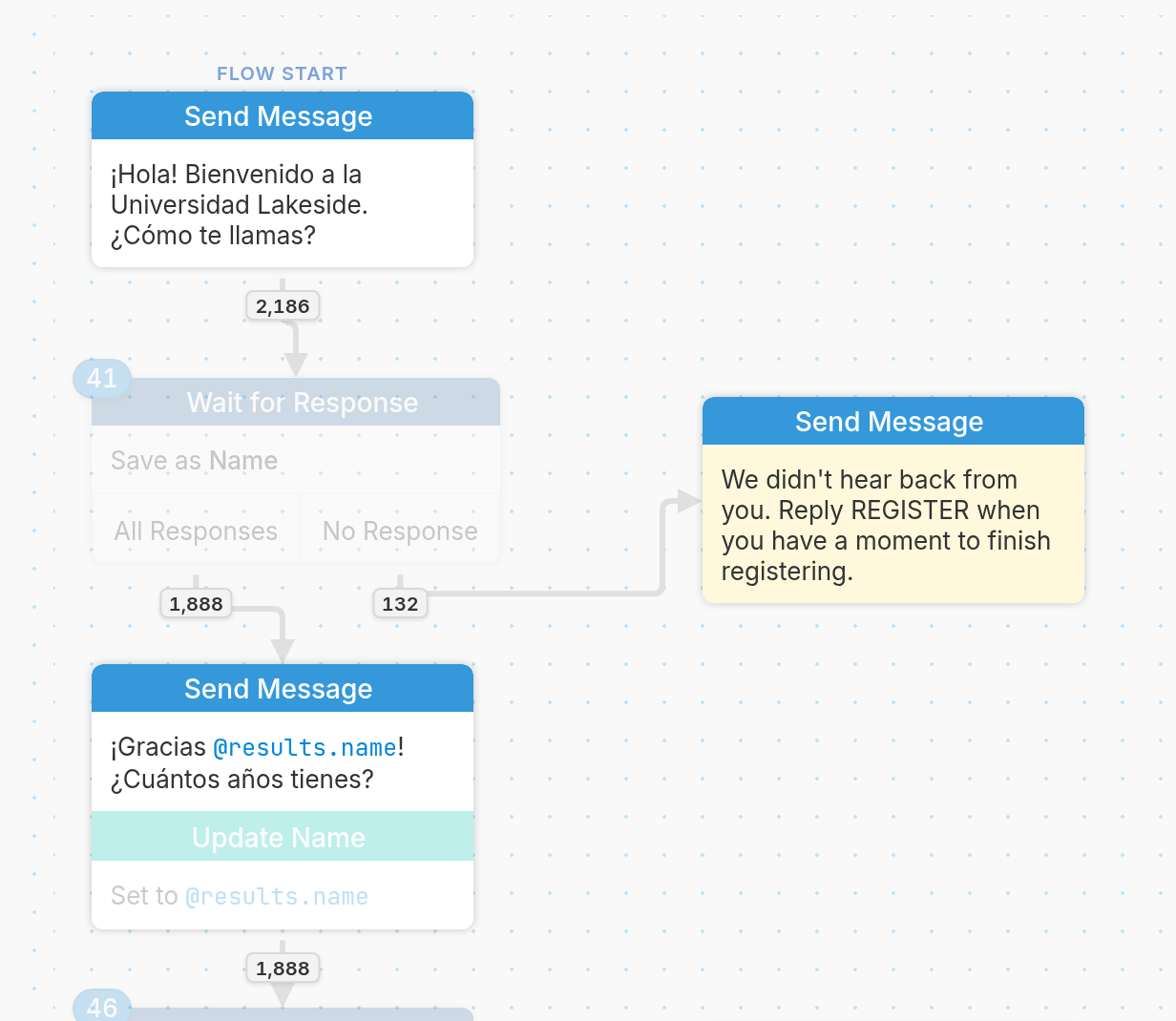
- To translate manually, click each Send Message action and enter the translation. To have an LLM translate your flow automatically, follow this guide.
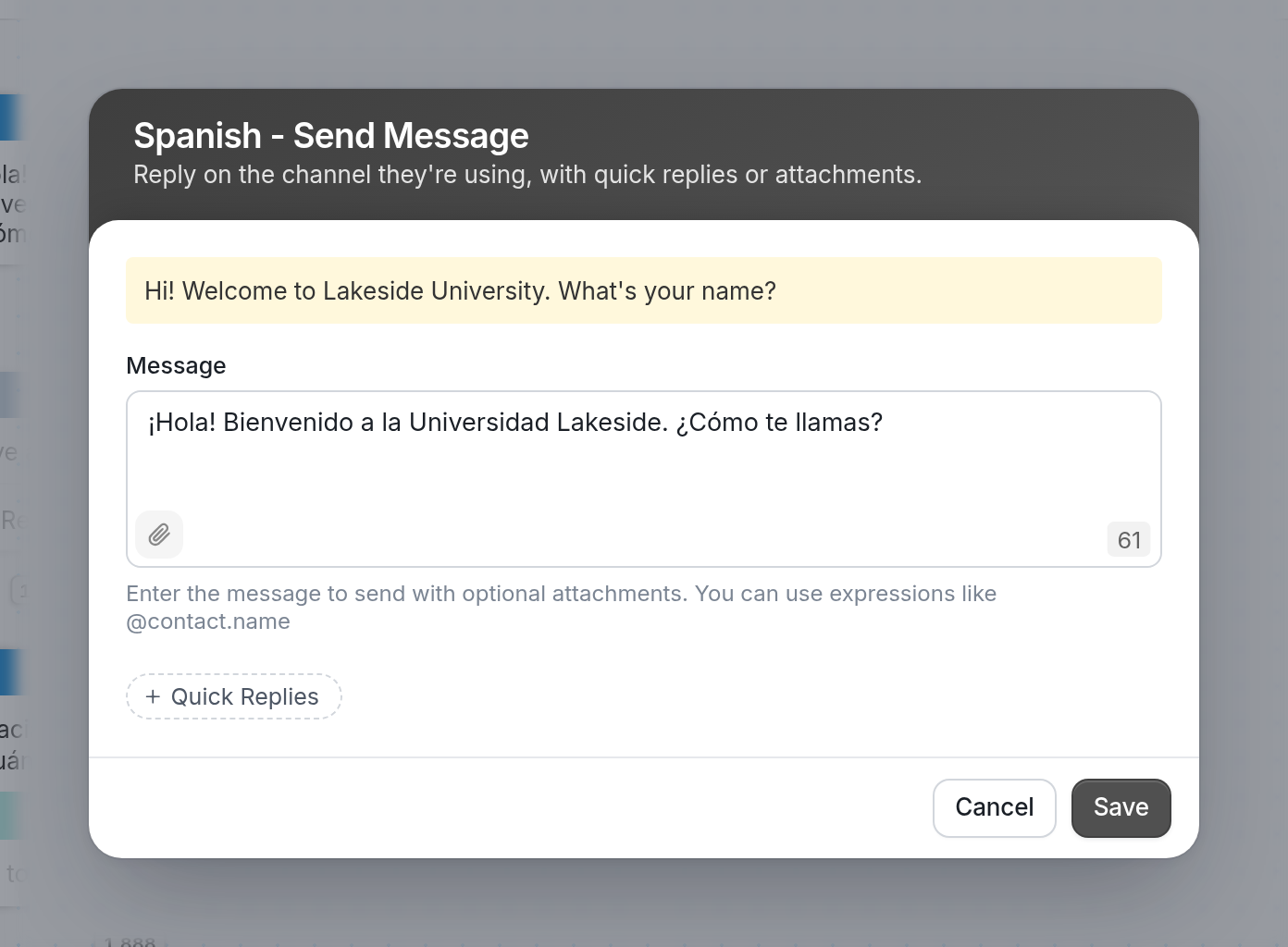
Note: Don't translate @contact.first_name, @results.name or other expressions. They're replaced with their values when the messages are sent. |
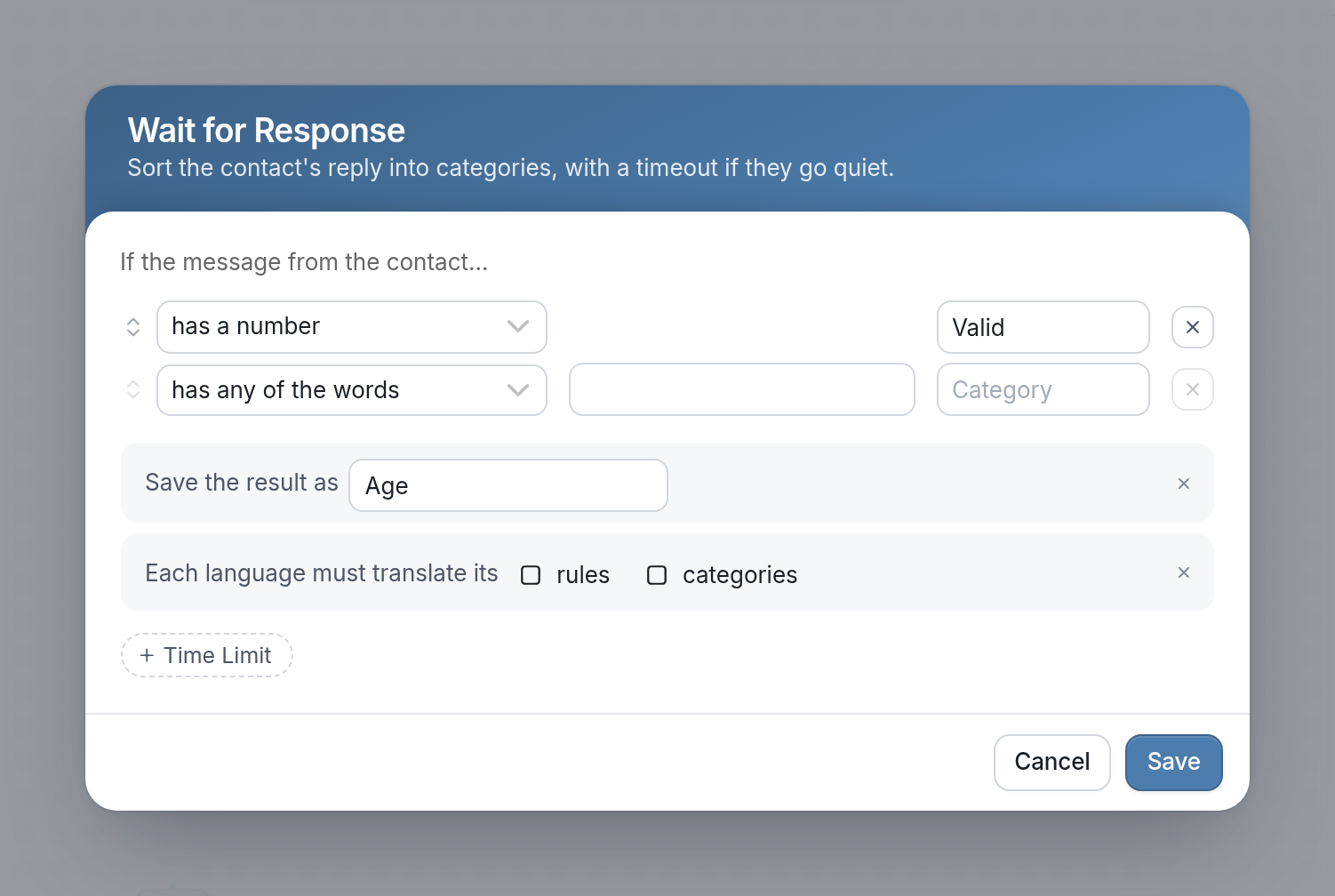
Localization is no longer configured for the whole flow. Instead, you choose node by node whether rules or categories need translating. To do this, open a Wait for Response node, click + Translations, then check rules, categories or both next to Each language must translate... This keeps simple logic (such as "A, B, C, D") that doesn't need translating out of the translation list.
- Translated actions appear white while their language is selected.
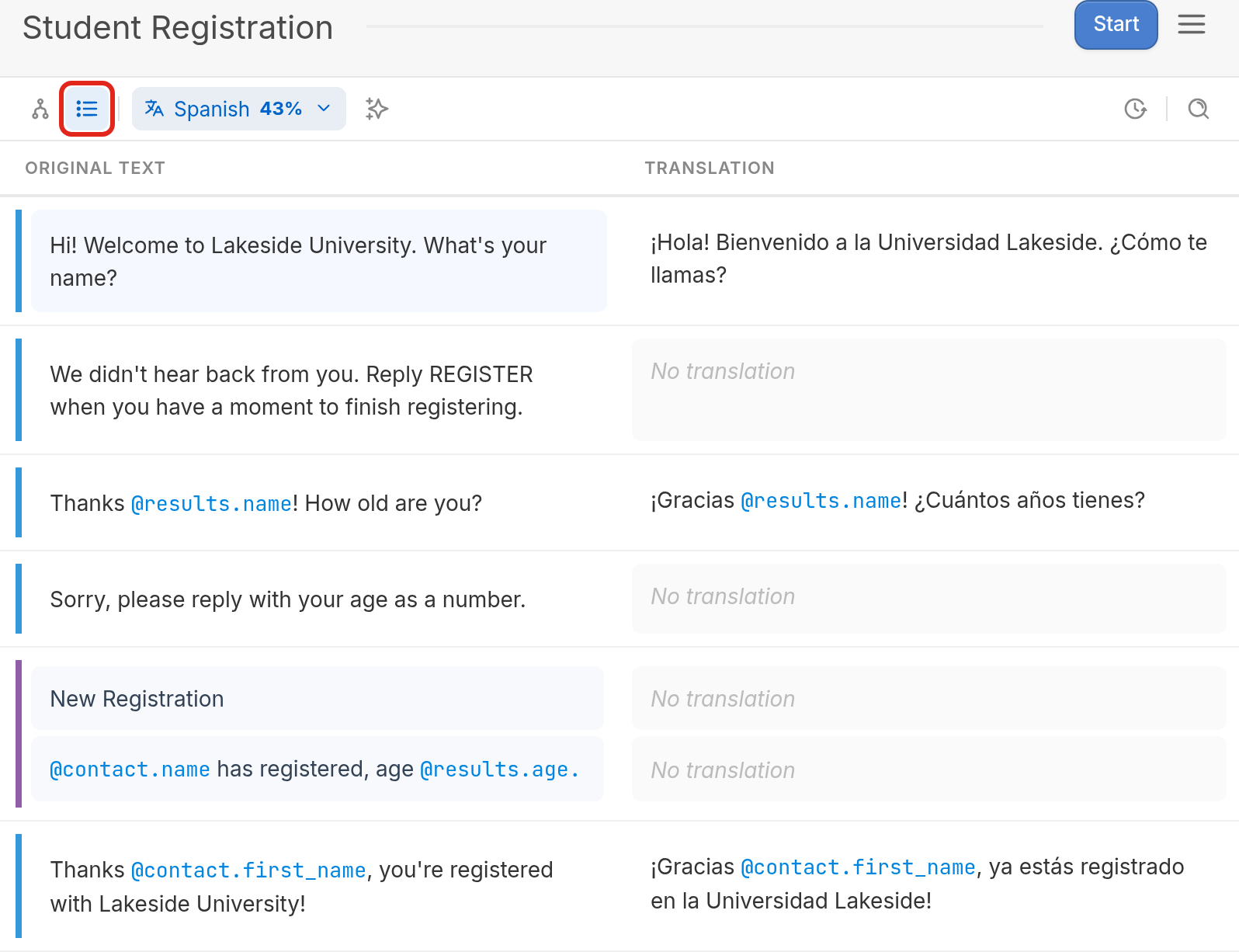
- You can also translate your flow in Table view instead of Flow view. Table view lists every message in the flow, with the original text beside its translation.
- Once your flow is fully translated, contacts will receive messages in the language set in their contact profiles.